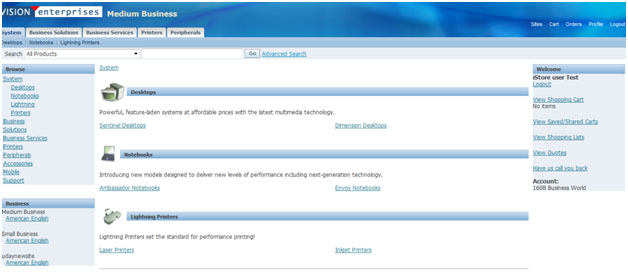
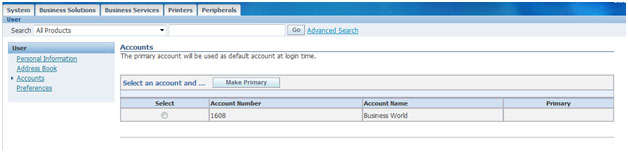
Query for the customer and select the account
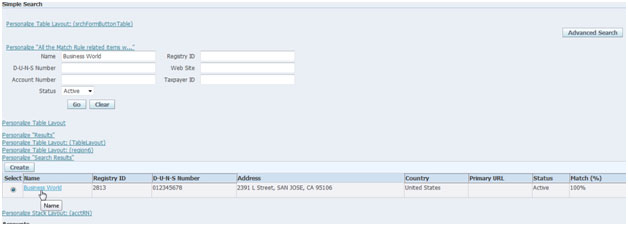
Click on the account description link
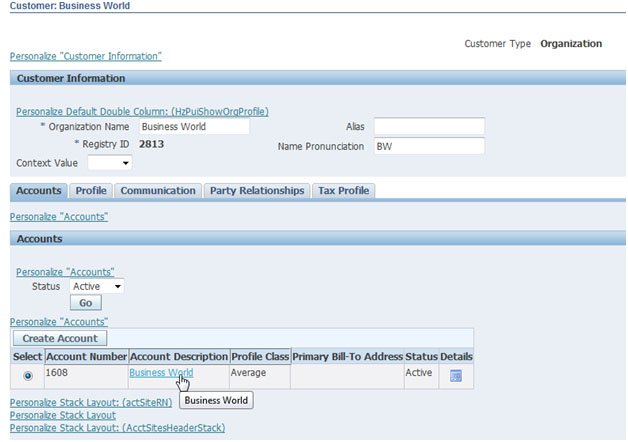
Navigate to the “Communications” tab
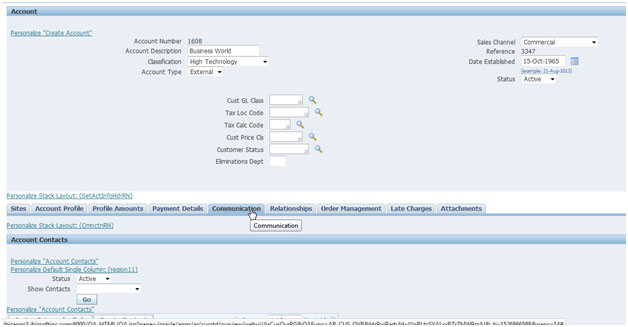
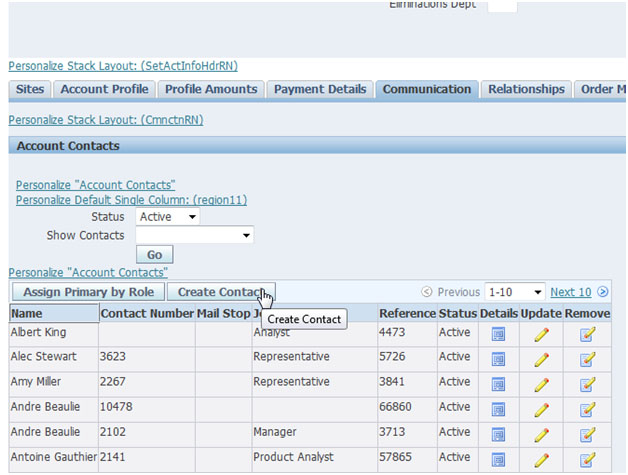
Click on Create contact
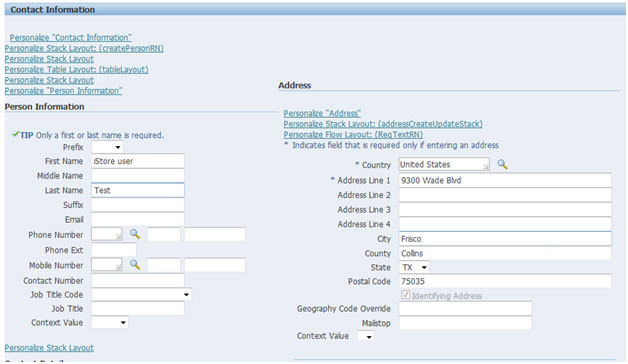
Enter contact information and click apply to create the contact
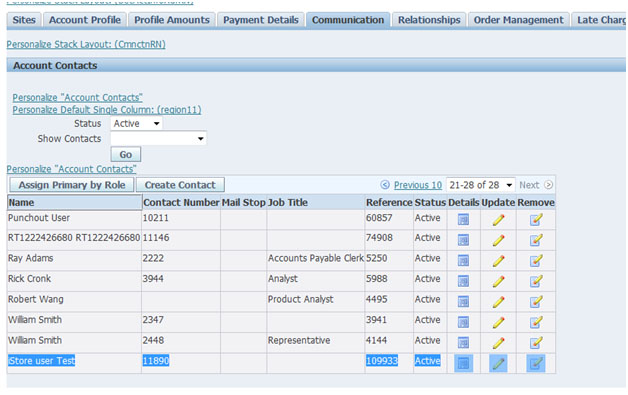
Contact has been created, note down the contact number
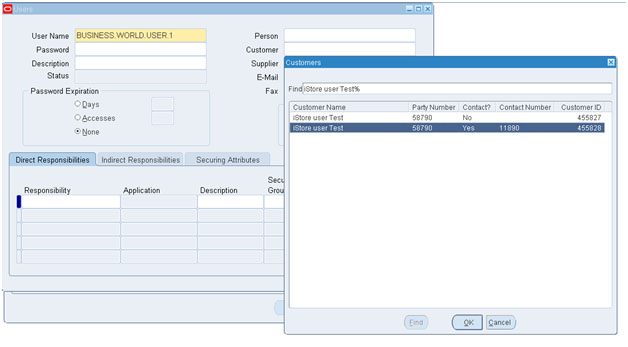
Navigate to System Administrator>Security>User>define
Create user and associate the contact to the user
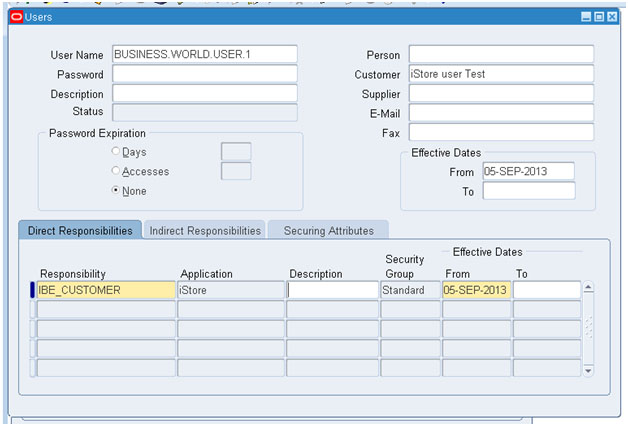
Assign the iStore user responsibility
Save and re-query to verify the user
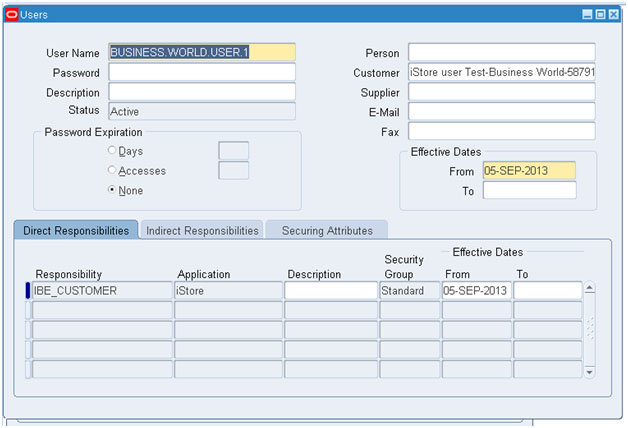
User has been created and is able to login into iStore